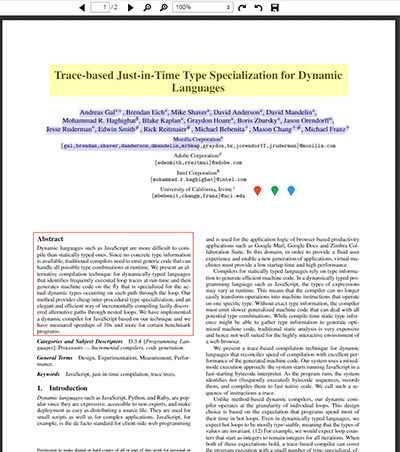
While there is no feature integrated in the API to allow you to highlight text permanently after selecting them, you may want to visit this link which provides a partial solution.
https://gist.github.com/yurydelendik/f2b846dae7cb29c86d23
Partial in the sense that the code posted in that link only highlights text after selecting them. Plus there are also some things that are lacking in the code that I will point out in the next section as well as the solution.
Problem:
- The window.getSelection().getRangeAt(0).getClientRects() also include bounds that act like duplicates where the values of the x,y coordinates and the width and height have slight differences between them so when you highlight the text, some areas will look dark because of overlapping rectangle bounds.
Solution:
- Loop through all the pageElement’s Div children and only add rectangle bounds where the x,y coordinates are not equal or if they are equal, check if the difference between the x,y coordinates are not more than 5. The 5 value is just my preference. You can set it to 3 if you want since so far I have noticed the maximum difference between the x,y coordinates for duplicate bounds is only 1.
Problem:
- The code to highlight the text after you select them works but once you do a rotation or scale, the highlighted text will disappear.
Solution:
- You need to save those rectangle bounds array in a variable and rotation or scaling happens, reload it using the array values. Your selectionRects variable should look something like this:
|
1 |
var selectionRects = arrayBounds ? arrayBounds : window.getSelection().getRangeAt(0).getClientRects(); |
Problem:
- Your selected text gets highlighted all the way to the last character of the Div content instead of the last character that you selected.
Solution:
- Bet you used Chrome browser to do this, right? This is a common bug in Chrome browsers and the only solution that I came across with is to use a 3rd party plugin called RangeFix.js. That should fix your problem. To get the fixed bounds, call it like this:
|
1 |
RangeFix.getClientRects(window.getSelection().getRangeAt(0)) |
One last thing. Once you are able to make this feature work, you also need to take into account its current rotation angle and scale value and convert them to a view of 100% and normal portrait rotation value.
This way, regardless what scale value and rotation angle your PDF is in, your original bound values will be used as basis to compute the presentation rectangle bound.