
You know, smoothening the skin of a subject in your photo is a daunting task. Really, even if I will become an expert, if there is a shorter way to do it, then I am all for it. Photoshop actions are a great way to do just that. The best smoothening skin Photoshop action that I like is by Jean’s at unleashedART.com.
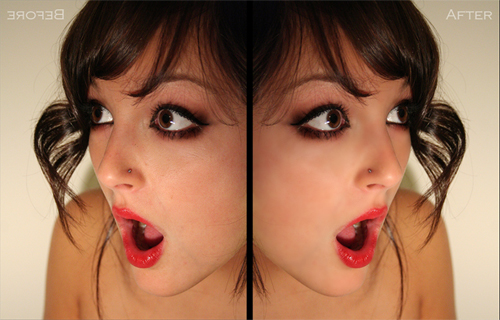
Once you run the action script, all you need to do is use the history brush and brush the skin parts of the subject. It is quite effective especially in armpit areas and oily skin. It can easily remove pimples and blemishes. See the sample image that Jean provided for her action script.

Good one. The techniques shown are really useful for a wonderful skin. I came across a quick fix site for facial skin smoothing. http://pinkmirror.com . The results are good enough for a free quick job..
thanks for this!