


Use Your Macbook’s DSL For Your iTouch
Posted by tech on
February 14, 2009
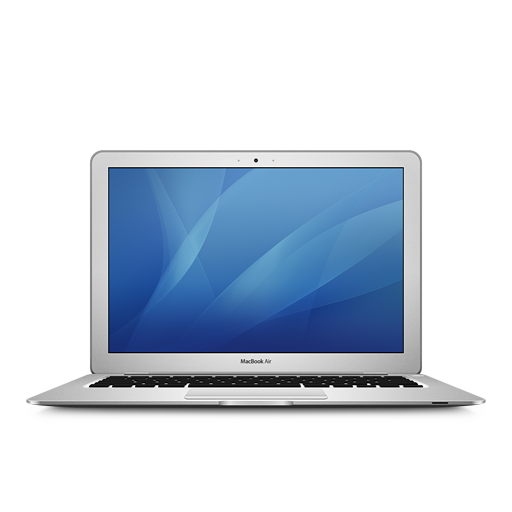 After searching through the net if this was possible, I never had any luck getting the solution. A friend of mine who is used to using mac related stuffs taught me how to have your iTouch use your Macbook’s DSL. I thought that you need a WIFI connection for your iTouch to be connected. Then again, his tip did the trick. Do the following.
Open System Preferences
- Go to Sharing
- Select Internet Sharing but do not check the checkbox just yet.
- On the right side of the panel, there should be a label called “Share your connection from:”. That is your DSL. Set the values below “To computers using:” Airport and Ethernet. Make sure both of those are checked. If, say, Ethernet is not checked, then your Macbook will not have any internet connection.
- Then select the start button to start your internet sharing.












February 26th, 2010 at 12:22 pm
Great information and excellent blog you got here!