To enable word wrapping in Visual Studio 2005, follow the instructions below.
On the Tools menu, select Options.
Open the Text Editor folder
Open the All Languages folder
Select General
Under Settings – select the Word wrap option
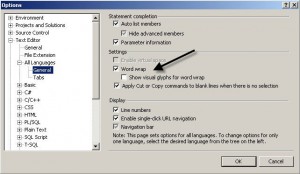
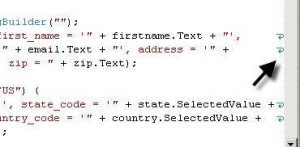
If you enable visual glyphs for word wraps, little arrows appear on the end of the line, signifying that the next text is word wrapped to the next line.