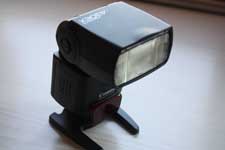
This is a pretty famous technique for photographers that many are applying to their post processing needs. It is a pretty useful technique to focus on the sharpness especially on a subject’s skin. I found this set of instructions from a photographer’s forum posted by member talan.
You can save it as an action set.
- Edit and make adjustments to you image as you wish.
- Save your PSD file if you want to keep your layers and orginal full size for re-editing later.
- Resize image to your web size if you choose to.
- Layers > Flatten image.
- Duplicate background layer.
- Make sure the copy of background layer is selected.
- Filter > Sharpen > Unsharp Mask - enter Amount 18, Radius 40, Threshold 0 - press OK.
- Filter > Sharpen > Unsharp Mask - enter Amount 150, Radius 0.3, Threshold 0 - press OK.
- Edit > Fade Unsharp Mask - enter Opacity 100% and select Darken in the Mode dropdown list - press OK
- Filter > Sharpen > Unsharp Mask - enter Amount 150, Radius 0.3, Threshold 0 - press OK.
- Edit > Fade Unsharp Mask - enter Opacity 50% and select Lighten in the Mode dropdown list - press OK.
- Layers > Flatten image.
- Save as .jpg
- Done!!!
Below is a before and after. The post processed photo did have some other adjustments made other than the technique, but you will understand once you try it out yourself.
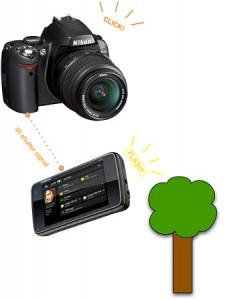
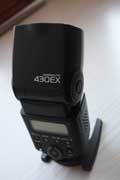 While some non Canon brand external flash can fit right into my Canon 1000D SLR, my dad insisted I use a Canon brand for my external flash since he had a bad experience with his Nikon by using a non Nikon external flash and it got burnt in the process. My dad bought me a Canon Speedlite 430 EX external flash (yes I got it for free ha ha!) and I have been using this since for my flash needs.